1. Background
I recently needed to encode H.265 video efficiently. Software encoding and decoding with FFmpeg is fairly slow, so I wanted to speed up the encoding process with the GPU.
2. Setting Up the Environment
- Make sure your graphics card is on this list: https://developer.nvidia.com/video-encode-and-decode-gpu-support-matrix-new
- Download and install the CUDA Toolkit: https://developer.nvidia.com/cuda-downloads
- Have the latest FFmpeg downloaded: https://ffmpeg.org/download.html
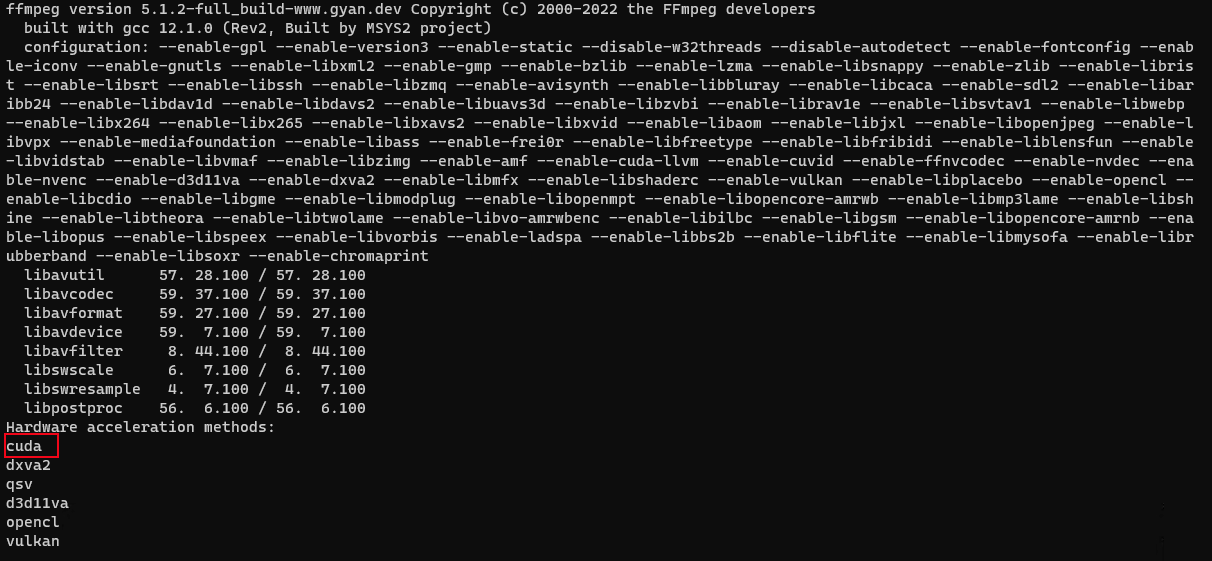
- Run the following command to list all available hardware accelerators
ffmpeg -hwaccels
Here you can see that CUDA, which we need, is already available.
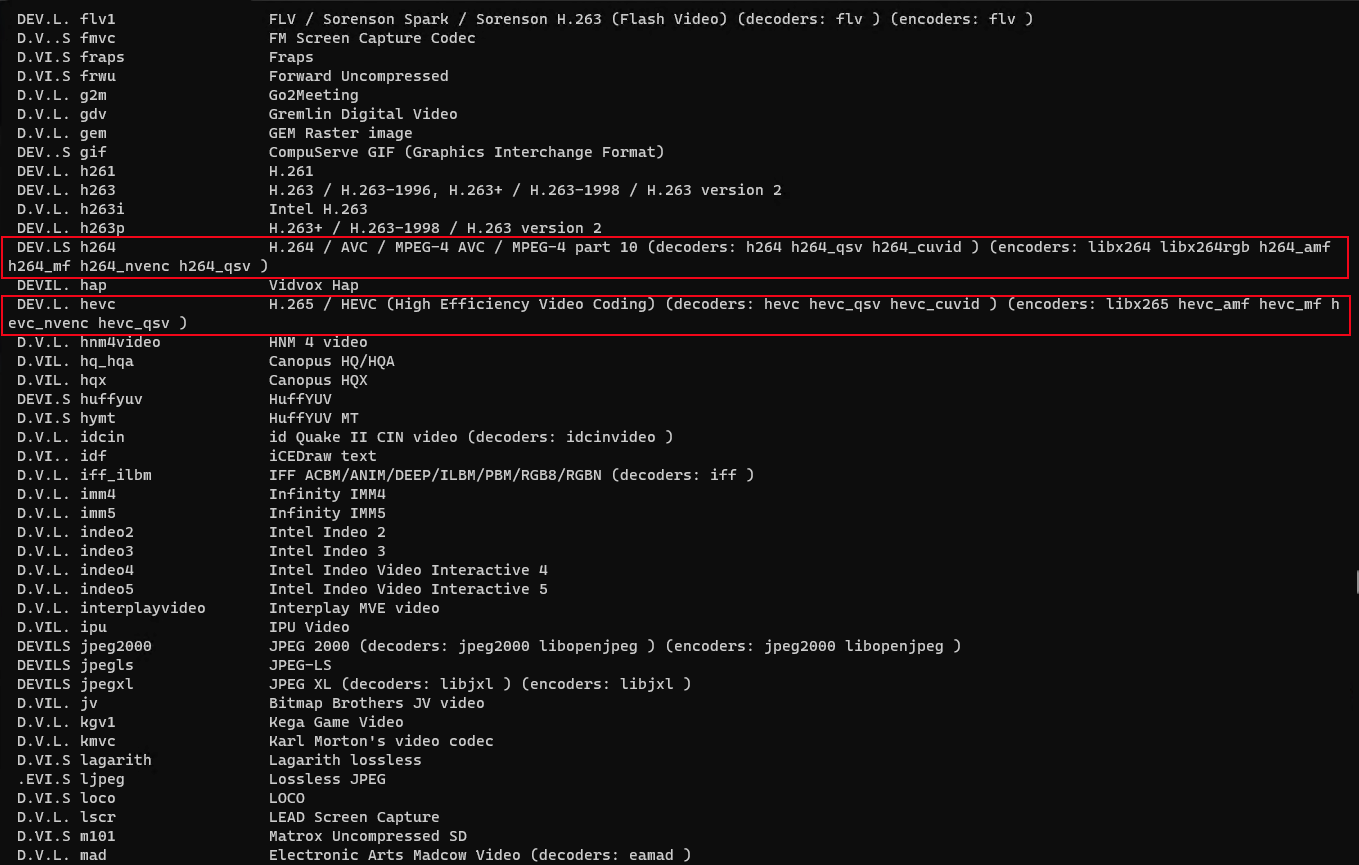
- Run the following command to list the codecs
ffmpeg -codecs
h264_nvenc is the H.264 hardware encoder hevc_nvenc is the H.265 hardware encoder
3. Encoding Commands
- Partial hardware transcoding
ffmpeg -i input.mp4 -c:v hevc_nvenc -crf 23 -c:a copy -vtag hvc1 output.mp4
# -i 后填写输入素材的路径
#输入素材为H.265视频,-c:v 使用对应解码器hevc_nvenc;
#CRF中的质量的范围可以是1.0 - 51.0。一般设置21-25之间就可以,此值越大码率越低。
#声音流这里直接copy了,未压制。
#输出视频为H.265。
- For full hardware decoding, add
-hwaccel cuda, for example:
ffmpeg -hwaccel cuda -i input.mp4 -c:v hevc_nvenc -crf 23 -c:a copy -vtag hvc1 output.mp4
To be continued...