It's that time again: CET-4/6 results are coming out~
But lots of forgetful friends have lost their admission ticket numbers again~
So here's a tutorial for all you forgetful friends on how to look up your ticket number~
This method must be run on a Windows computer [it won't work on Mac OS]
First, download the Python 3 installer. Download link: https://www.python.org/downloads
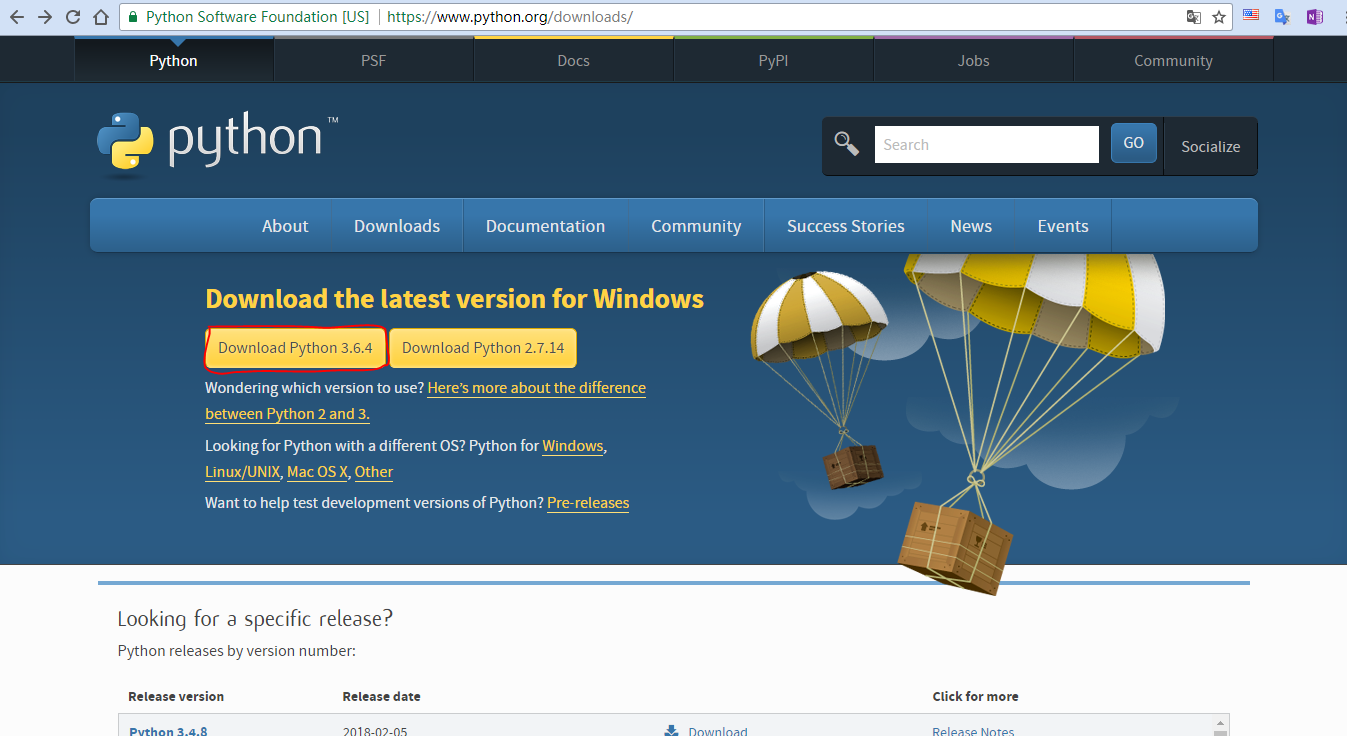
Once the download finishes, double-click the downloaded .exe file to run it
- Tick the Add Python 3.6 to PATH checkbox
- Click Install Now
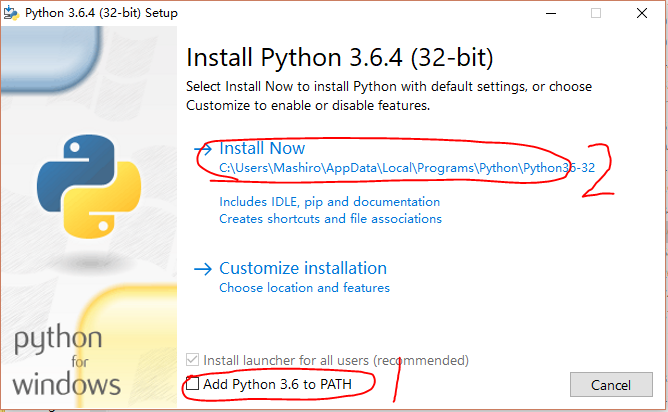
Close the window when the installation is complete
Next, download the script. Click here to download
After downloading, extract the archive [you must extract everything, otherwise it won't run; do not run it directly inside the archive tool]
Once extracted, right-click the get.py file in the folder, choose Open with, and select Notepad
After opening it, edit the file as prompted [the marked parts in the image need to be changed]
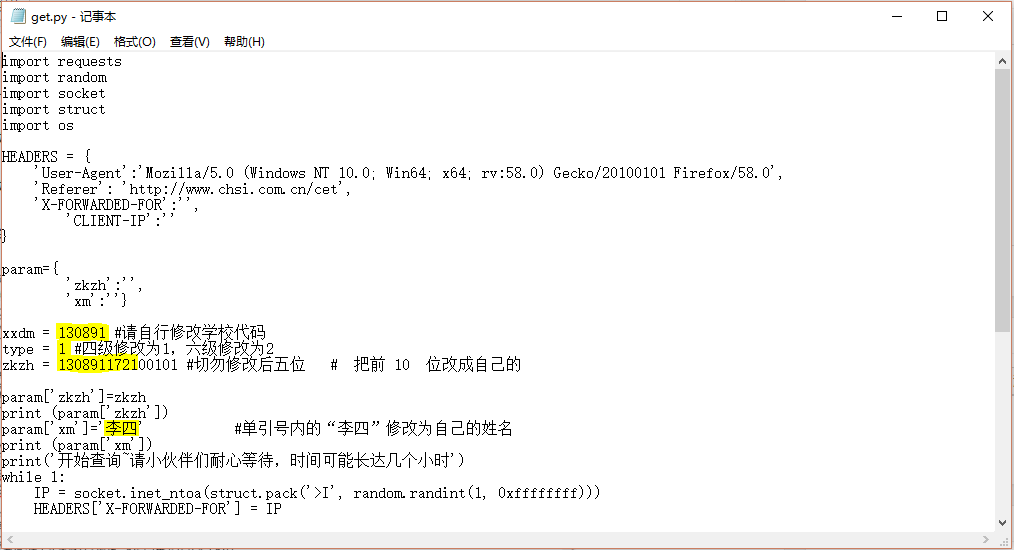
Save the file when you're done [shortcut: Ctrl+S]
Then right-click the get.bat file in the folder and run it as administrator. [Do not close any windows that pop up]
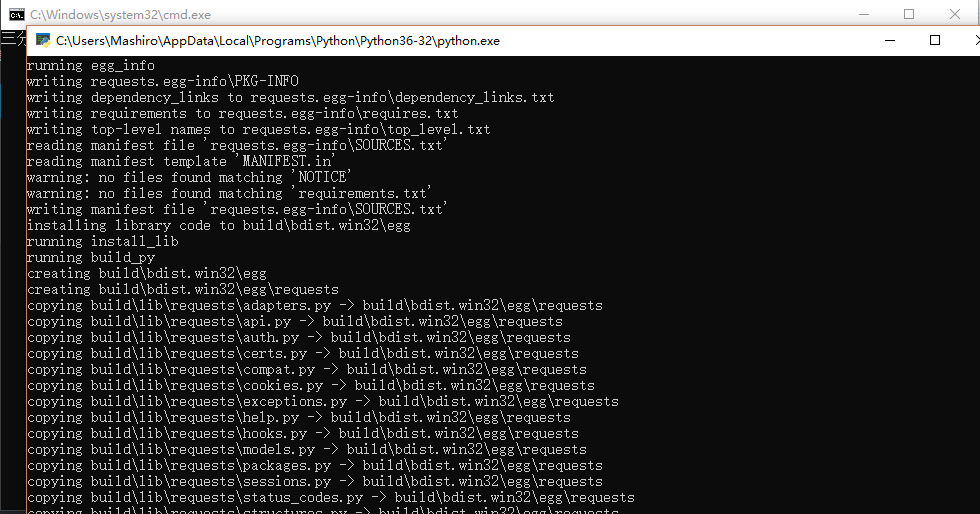
Now all you need to do is wait patiently~
Wishing everyone great scores! (o゚v゚)ノ That's all