1. Symptoms
After uninstalling Kaspersky and restarting the computer, none of the USB ports work, and even a connected mouse or keyboard does not respond.
2. Solution
1. Prepare the rescue tool image
1.1. On a working computer, download the Kaspersky rescue image: Download Kaspersky Rescue Disk 18
1.2. Write the Kaspersky rescue image to a USB flash drive or external hard drive using Rufus, Ventoy, or another tool.
2. Fix the USB problem
2.1. Connect the device with the Kaspersky rescue image to the affected computer and boot from it.
2.2. Select the interface language, then press Enter.

2.3. Select the Kaspersky Rescue Disk mode:
- Kaspersky Rescue Disk. Graphic mode: (Recommended) In this mode, you can use Kaspersky Rescue Disk through a graphical user interface.
- Kaspersky Rescue Disk. Limited graphic mode: Use this mode only if you run into problems with the full graphic mode.

2.4. Press Enter and wait for it to load.
2.5. If a "Warning" appears, click "Continue".
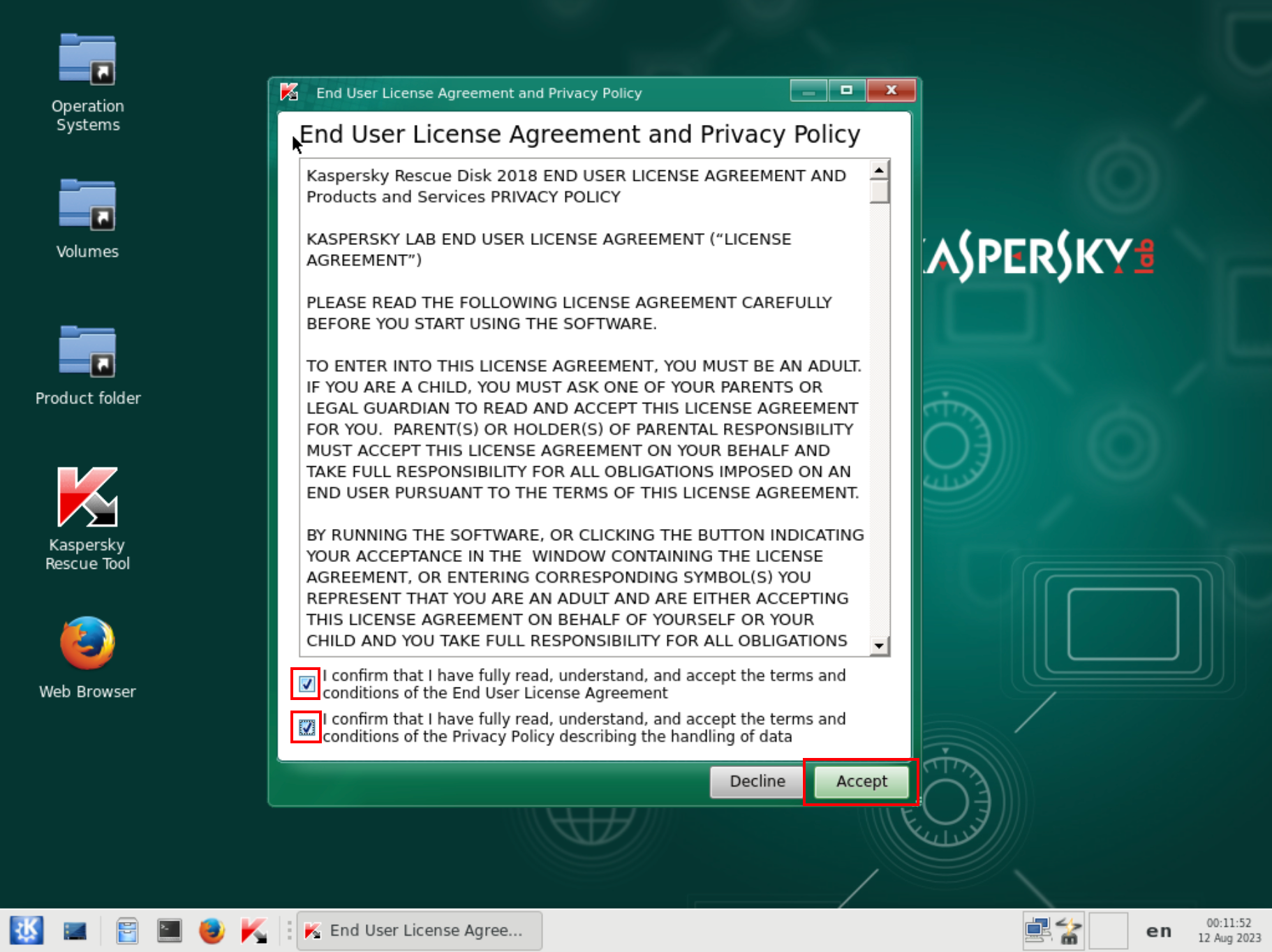
2.6. Next, you need to accept the user agreement and privacy policy; just check the boxes and agree.
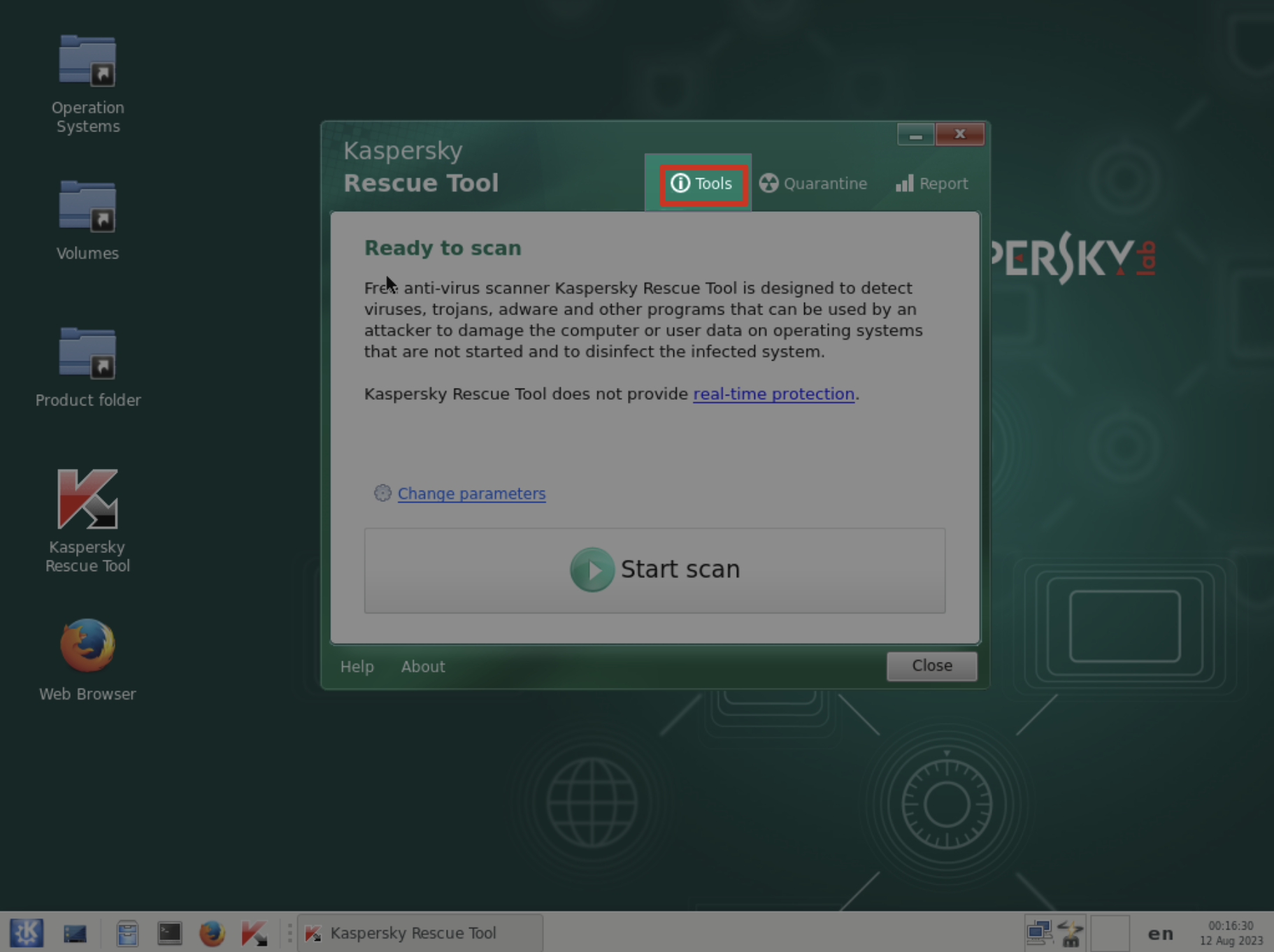
2.7. In the Kaspersky Rescue Tool window that opens, click "Tools". (If the window does not appear, start it manually by clicking the Kaspersky Rescue Tool icon on the desktop.)
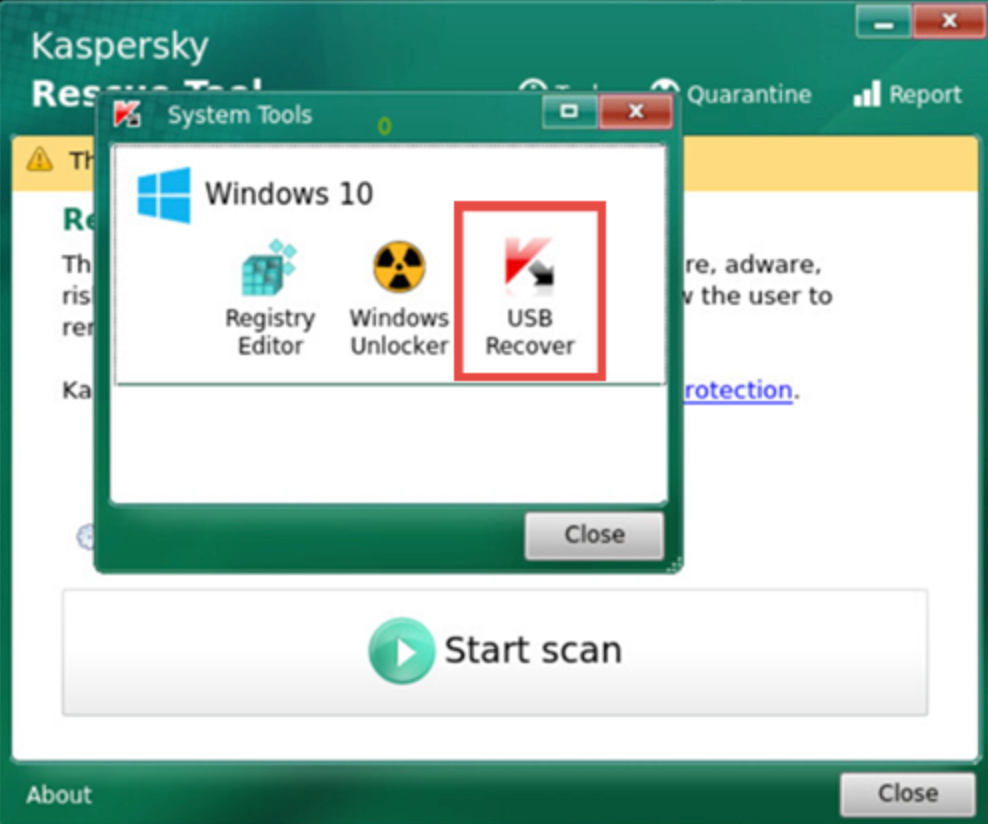
2.8. Click "USB Recover".
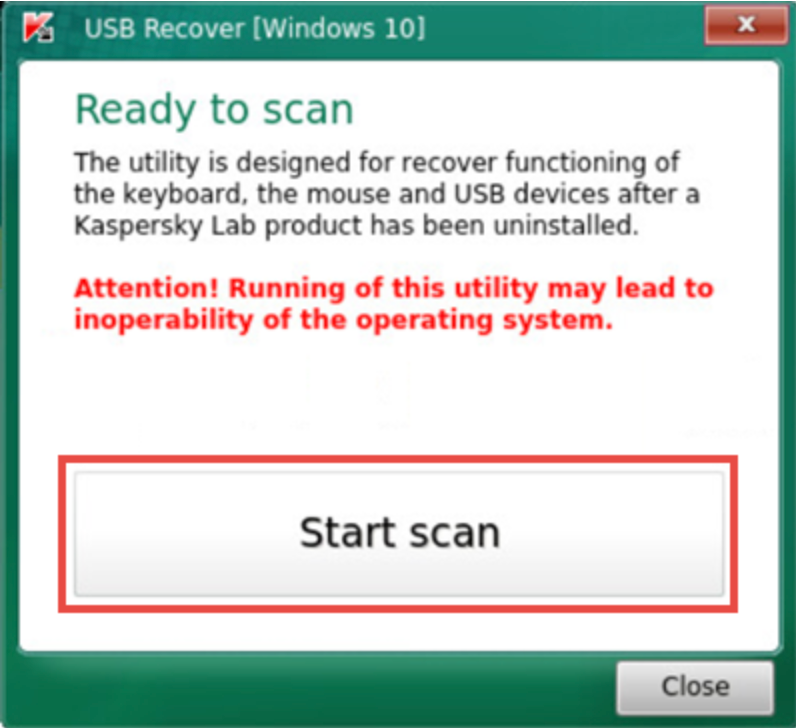
2.9. Click "Start scan".
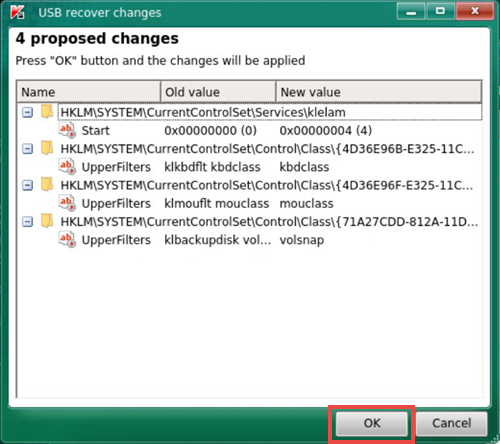
2.10. Click "OK".
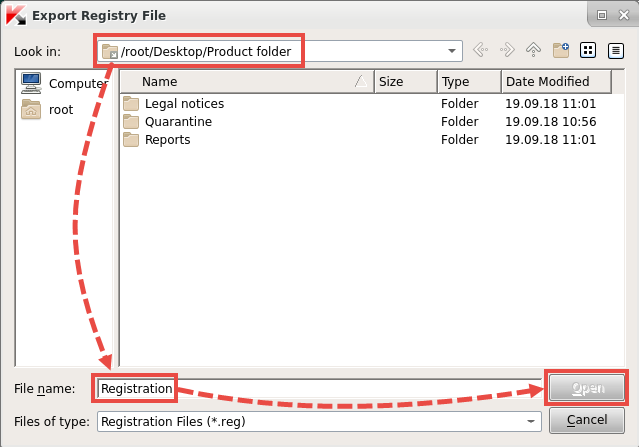
2.11. Select the folder to export the registry key file to. If something goes wrong, you can restore the modified data from this file. Enter a file name and click "Open".
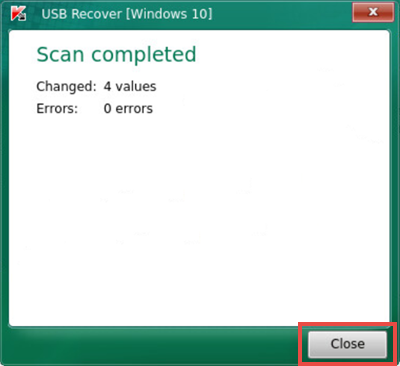
2.12. When the scan is complete, click "Close".
Finally, restart the computer, and your USB devices will work normally again.